API Docs Best Practices
· 3 min read
API documentation is often the first experience a developer has with your product. If they cannot figure out how to authenticate, make a request, or understand your response format, they will move on. Over 80% of developers say clear docs heavily influence their choice to adopt an API, and nearly 60% will simply walk away from APIs that do not meet their documentation needs.
Here are the best practices I have found for writing API docs that developers actually want to use.
1. Know Your Audience
Before writing a single line of documentation, define who is going to read it. Are they experienced backend engineers? Frontend developers integrating for the first time? Non-technical product managers? The level of detail, terminology, and examples should match your audience.
2. Start with Authentication
Authentication is the very first gate developers need to pass through. If they cannot get in, the rest of your documentation is useless. Walk them through it step-by-step. Do not just mention the authentication method -- show them exactly how to get an API key, where to include it, and what a successful authenticated request looks like.
3. Use a Standard Format
Use a standard format and style. A consistent structure -- clear headings, a predictable layout for each endpoint, a common terminology -- makes it easy for developers to find what they need. Tools like Swagger/OpenAPI, Slate, or API Blueprint can help you generate and organize documentation from your API specification.

4. Provide Multi-Language Code Snippets
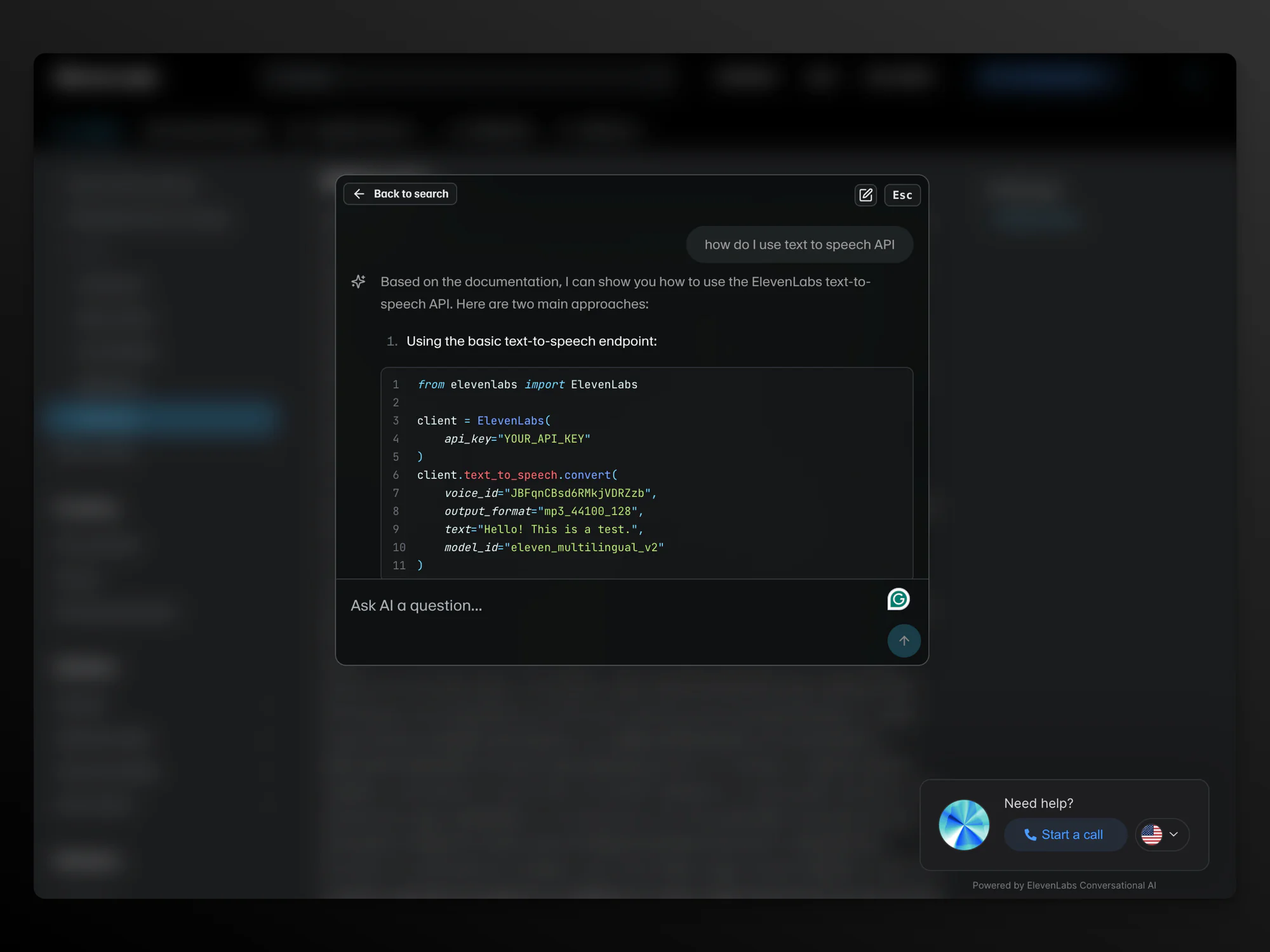
Do not just stop at a generic cURL command. Offer ready-to-use code snippets for every endpoint in popular languages -- Python, JavaScript, Go, Ruby, Java. Developers want to copy, paste, and modify. Make that easy.
# Example: cURL
curl -X GET "https://api.example.com/v1/users" \
  -H "Authorization: Bearer YOUR_API_KEY"
5. Include Interactive Testing
Providing a mechanism for developers to test out your APIs with live examples is incredibly valuable. Tools like Swagger UI, Postman collections, or embedded API explorers let developers experiment without writing any code first.
6. Show Real-World Examples
Go beyond bare-minimum endpoint descriptions. Include real-world use cases. Show a complete request and response for common scenarios. Explain what each field means, what values are valid, and what errors look like.
7. Document Error Handling
Every API returns errors. Document them thoroughly. For each endpoint, list possible error codes, what they mean, and how to resolve them. A developer stuck on a cryptic 422 error with no explanation is a developer who is about to file a support ticket.
8. Keep Docs in Sync
Stale documentation is worse than no documentation. Keep your API specification in a central repository. Ideally, generate your docs from the spec so they stay in sync automatically. Establish an API governance framework so that all teams are aligned on standards and best practices.
9. Think About the AI Era
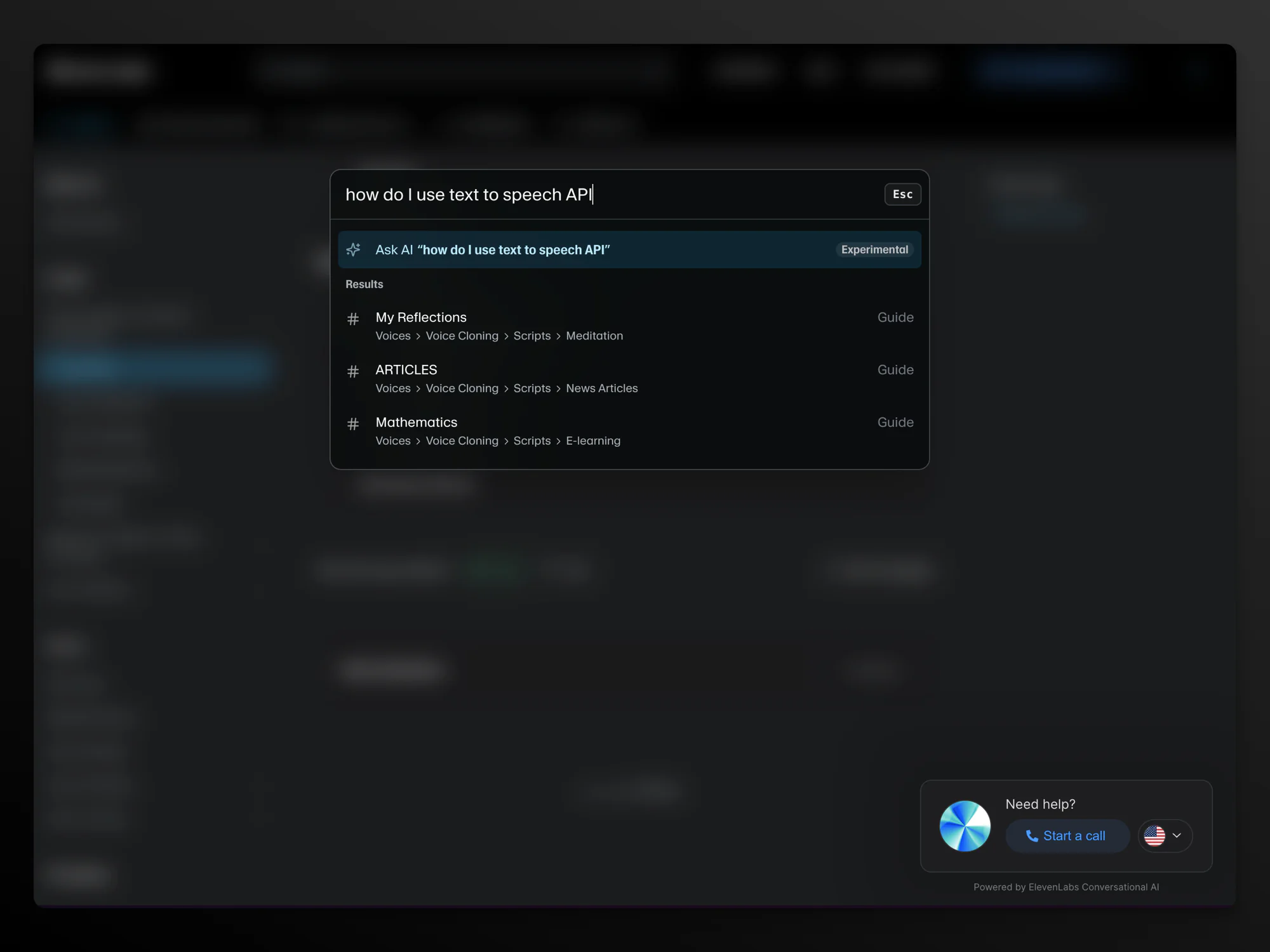
More and more developers are using AI code generation tools like Cursor and Copilot. These tools read your API docs to generate integration code. If your docs are not machine-readable or well-structured, AI tools cannot help developers adopt your API -- making inaccessible docs an even bigger obstacle to adoption.
The Bottom Line
API documentation is not a chore to check off. It is a product in itself. Treat it with the same care you would give to your UI, and developers will reward you with adoption, fewer support requests, and genuine enthusiasm for building on your platform.
Enjoyed this post?
I write a newsletter on product, AI, and startups called The Discourse with 5K+ subscribers. Deep dives, no fluff.
Subscribe to The Discourse →