Conjure
A text expander for Mac. Type ;sig and your signature appears. Type teh and it becomes the before you notice. A soft, configurable sound confirms every expansion.
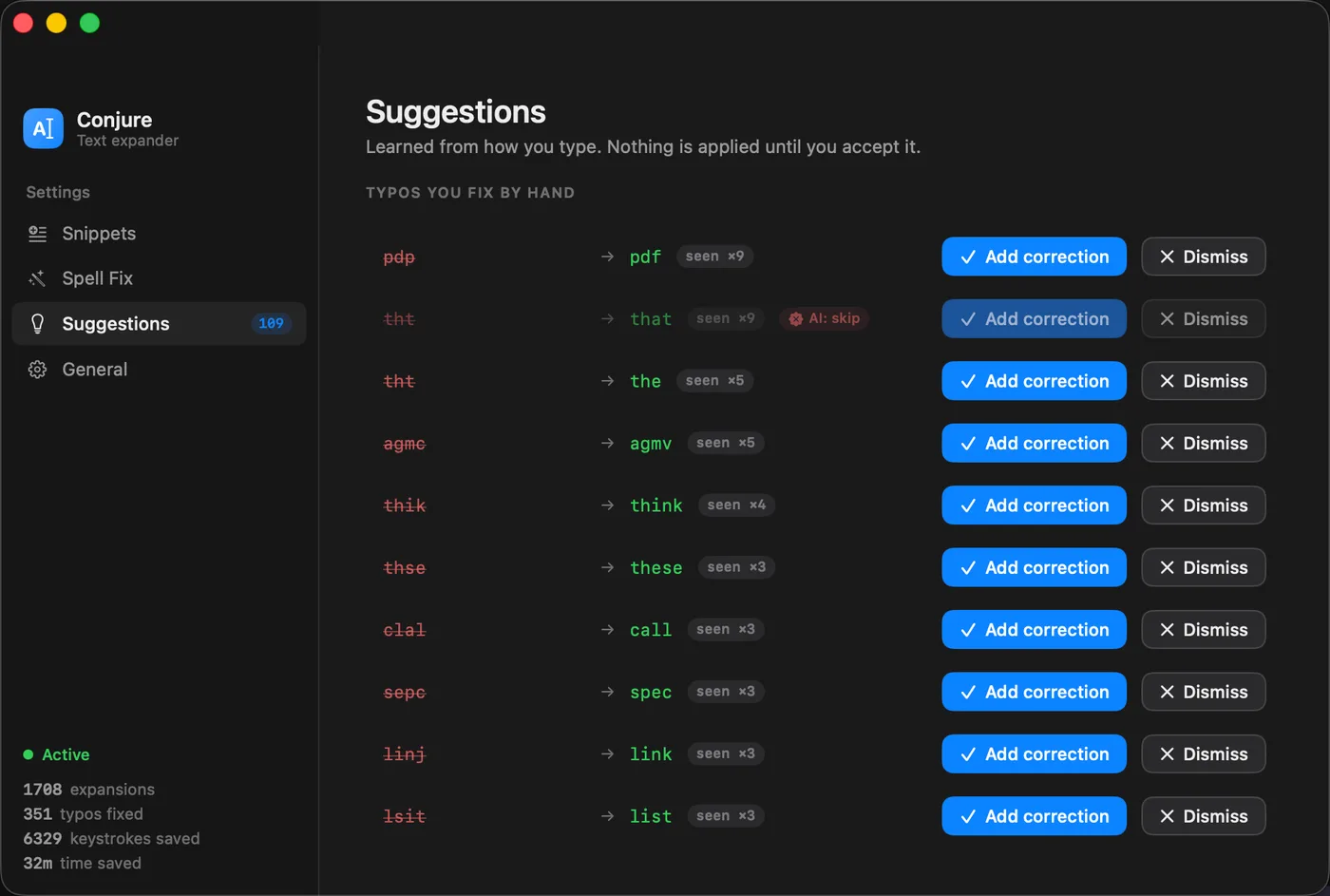
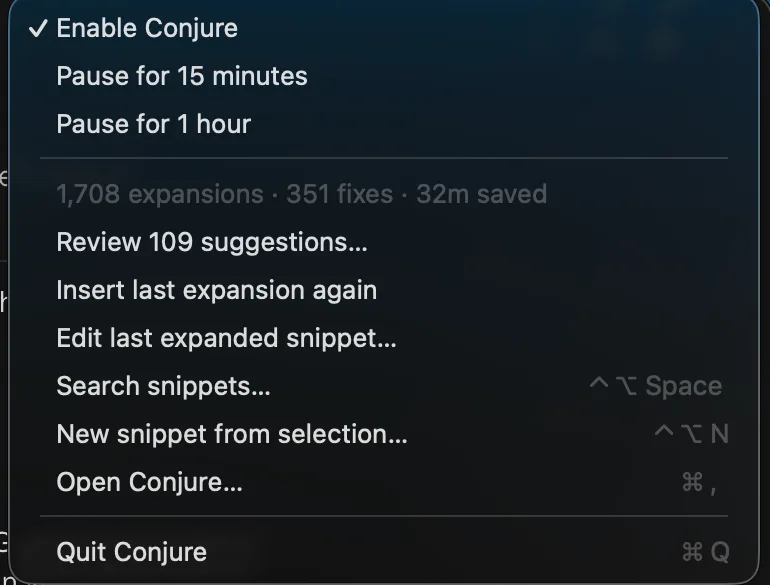
Image 1 of 2
Part of the Mac suite · in private beta — ask for a build
For Macs with Apple silicon running macOS 15 or later. Updates install automatically.
What it does
- Instant. Snippets expand the moment you finish typing the trigger, with no lag and nothing copied to your clipboard.
- Only when you mean it. A snippet called
tywon't fire halfway through "typing". Triggers that start with a symbol, like;sig, expand straight away. - Snippets that fill themselves in. Drop in today's date, a date 30 days from now, the current time, or whatever you last copied. Choose where your cursor lands once the snippet expands.
- Mini forms. A snippet can ask you for a name or let you pick from a list before it expands, so one template covers many replies. Snippets can also include other snippets.
- Fixes typos carefully. Around 350 common misspellings are corrected as you type,
tehtothe, in whatever case you used. It leaves casual writing likethxandlolalone, and you can edit the list. - Stays out of your terminal. In terminal and code apps, snippets still work but typo fixing switches off, so commands and file names are never changed.
- Reminds you what you called things. Start typing a trigger and a small hint appears near your cursor showing the matches.
- Save a snippet in one step. Select any text, press ⌃⌥N, and it's a snippet.
- Optional AI. Off unless you turn it on. Rewrite selected text, let snippets write a draft for you, or have Conjure spot a phrase you keep retyping and offer to turn it into a template. Use Apple Intelligence on your Mac or your own OpenAI key.
- Pause. Pause from the menu bar for 15 minutes when you're sharing your screen, and it resumes on its own.
- Stay organized. Group snippets, limit some to certain apps, see which ones you use most, and back them up or move them between Macs.
Privacy
Your snippets are stored on your Mac in a file you can open, edit and back up yourself. What you type never leaves your Mac and is never saved. Conjure only contacts OpenAI if you choose it for an AI feature, and then only sends the text you asked it to work on.
Conjure asks for Accessibility access so it can see what you type and expand snippets. You can turn that off at any time in System Settings, and Conjure will tell you if it's been switched off.