Murmur
Dictation for Mac that keeps your voice on your Mac. Hold Right ⌘, talk, and let go. Your words appear wherever you were typing, in whatever app you were already using.
Part of the Mac suite · in private beta — ask for a build
For Macs with Apple silicon running macOS 15 or later. Updates install automatically.
What it does
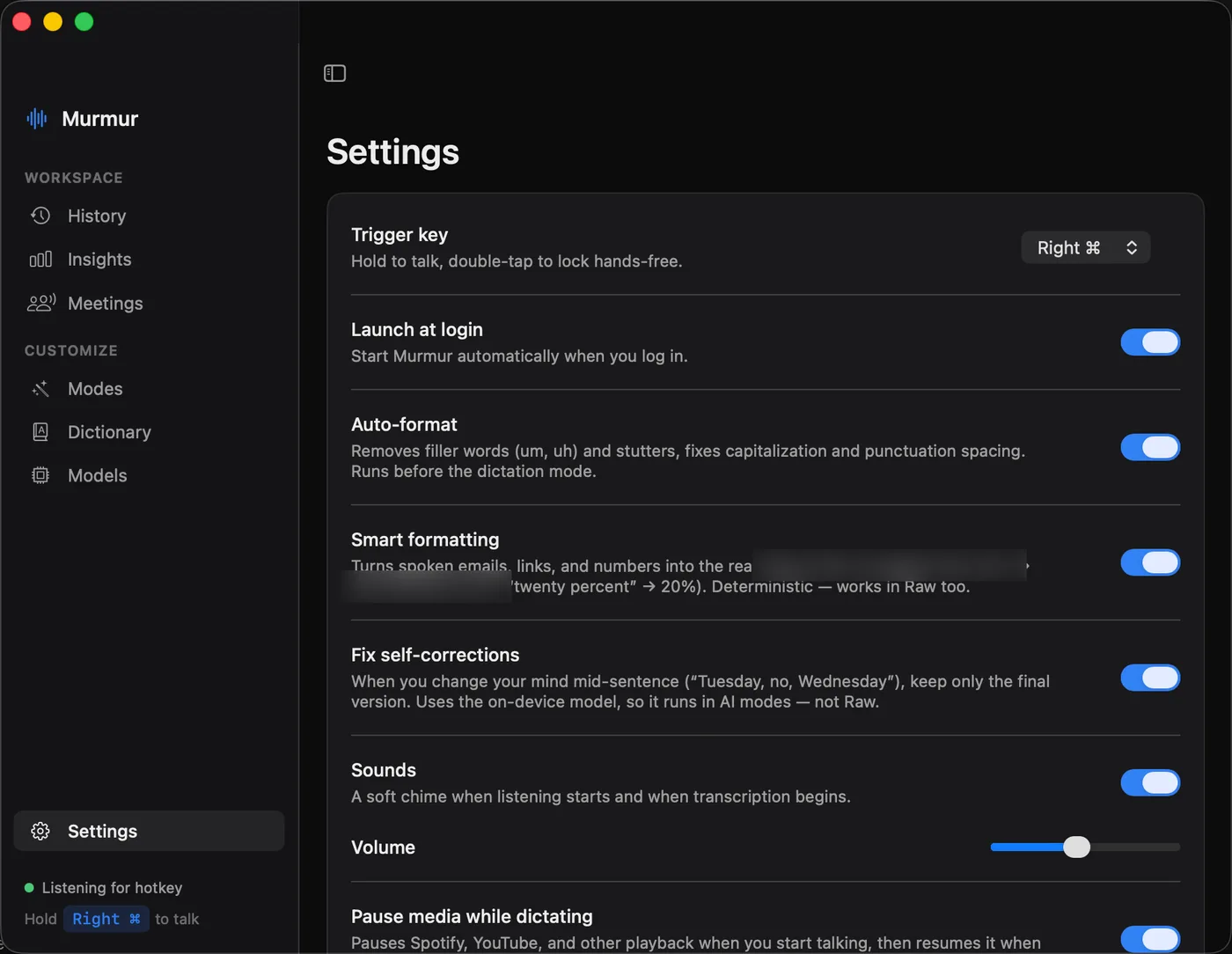
- Push to talk. Hold Right ⌘ to dictate. Double-tap to keep it listening hands-free. Press any other key while holding to cancel, in case you were reaching for ⌘C.
- Works offline. Everything you say is turned into text on your Mac, so it works on a plane, in a basement, or anywhere else without a connection.
- Starts instantly. Murmur is ready the moment you press the key, and it uses no noticeable battery while it waits.
- Keeps your clipboard. Whatever you had copied before you started dictating is still there afterwards.
- Writing modes. Leave your words as spoken, or have Murmur turn them into an email, a quick message, bullet points, a shorter version or something more formal before they land. Auto mode picks the right style based on the app you're in.
- Sounds like you. Paste in a few things you've written and Murmur learns your style, so tidied-up text still reads like you wrote it.
- Your words. Teach it the names, jargon and product terms you use, and it gets them right without mangling ordinary words.
- Meeting notes. Murmur notices when a call starts, records both sides, and writes you a summary afterwards. Cancel and nothing is kept.
- Smart formatting. Say an email address, a link or a number and it comes out written properly.
- Pauses your music. Whatever is playing stops while you talk and picks up again after.
Privacy
Your recordings and transcripts stay on your Mac. Turning speech into text and every rewrite happen on your Mac too. There's no account and nothing is sent to a server.
Murmur asks for microphone access so it can hear you, and Accessibility access so it can type where your cursor is. It only asks to record your Mac's audio if you use meeting notes.