QuickCal
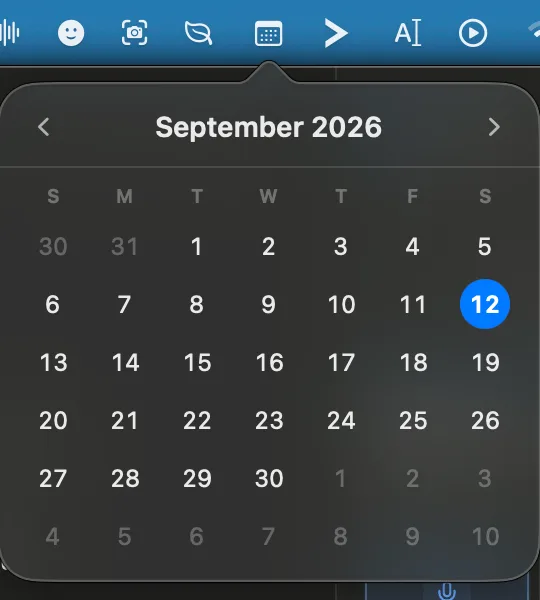
A calendar that lives entirely in the menu bar. Click the icon, see the month, get on with your day. It's the smallest app in the suite and the one I open most.
Part of the Mac suite · in private beta — ask for a build
For Macs with Apple silicon running macOS 13 or later. Updates install automatically.
What it does
- Click for the month. Click the menu bar icon to open the calendar, and click again to close it.
- Move around. Step forward or back a month with the arrows, and click the month name to jump back to today.
- Click a date to open that day in your usual calendar app.
- Fits where you live. The week starts on the day your Mac is set to, and dates look the way you're used to.
- Right-click for the rest. Show the calendar, check for updates, or quit.
What it deliberately doesn't do
No accounts, no events, no tracking, and no access to your calendar. QuickCal doesn't ask for any permissions at all, so there's nothing to approve when you first open it.