Siri Shortcuts for ChatGPT
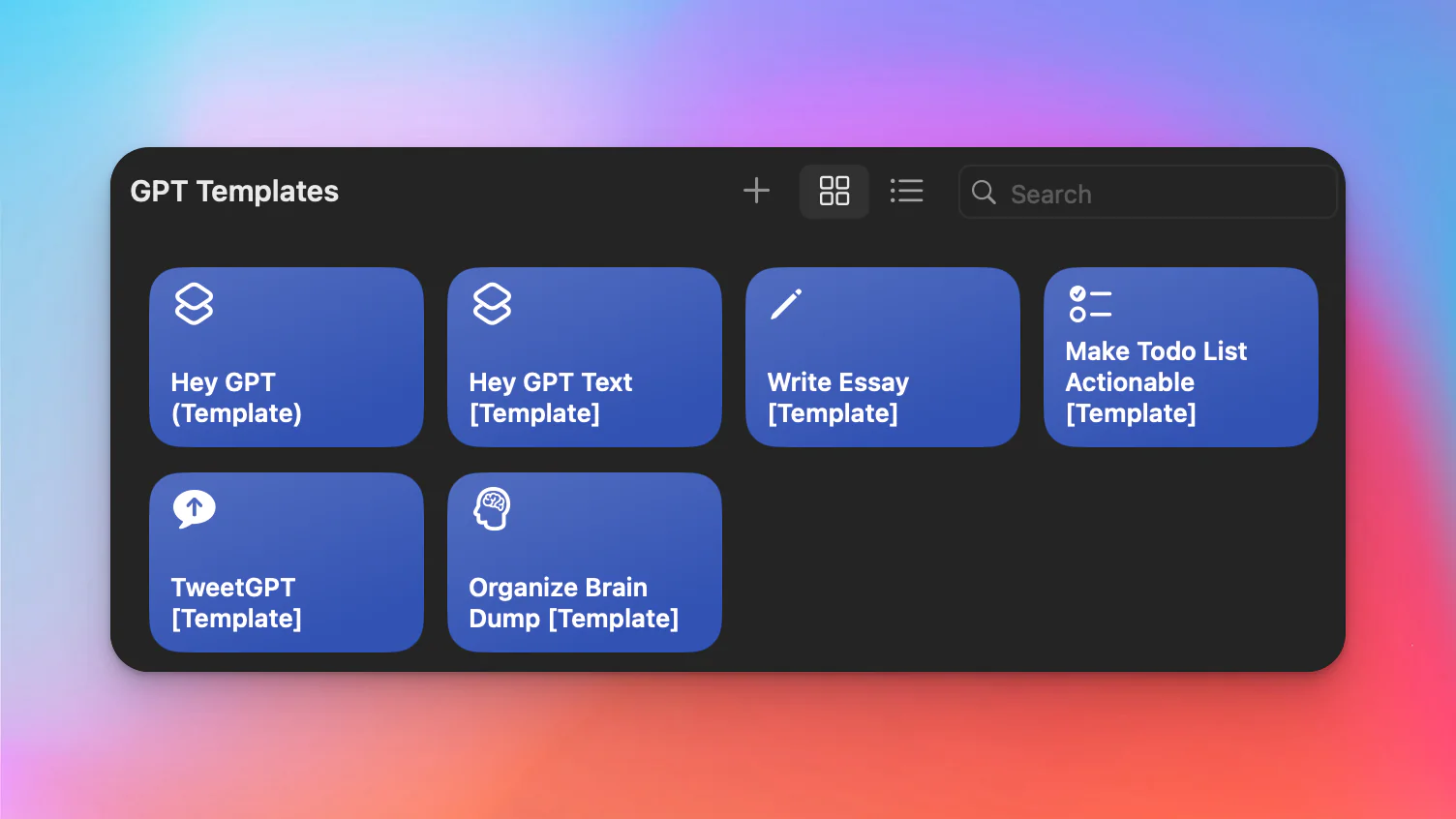
Custom Siri Shortcuts that bring the power of ChatGPT to your Apple devices. These shortcuts enable you to interact with ChatGPT through Siri on your iPhone, iPad, Mac, and Apple Watch --- making AI assistance available hands-free and on the go.
The Idea
Apple's Siri is great for simple tasks, but often falls short when it comes to complex questions, nuanced conversations, or creative tasks. By combining Siri Shortcuts with OpenAI's ChatGPT API, you can supercharge Siri with the intelligence of a large language model.
What These Shortcuts Do
- Voice-powered ChatGPT --- ask Siri a question and get a response powered by ChatGPT
- Conversational context --- maintain context across multiple exchanges in a single session
- Quick actions --- trigger ChatGPT for specific tasks like summarizing text, drafting emails, or brainstorming ideas
- Cross-device support --- works on iPhone, iPad, Mac, and Apple Watch through the Shortcuts app
How It Works
- Set up your OpenAI API key --- you need an OpenAI account with API access
- Install the Siri Shortcut --- add the shortcut to your Shortcuts app
- Configure the shortcut --- enter your API key and customize the system prompt
- Activate via Siri --- say the trigger phrase to start a ChatGPT-powered conversation
Use Cases
- On-the-go research --- ask complex questions while driving or walking
- Quick drafting --- dictate a message and have ChatGPT refine it
- Brainstorming --- talk through ideas and get AI-assisted suggestions
- Summarization --- have ChatGPT summarize long articles or documents you dictate
Technical Details
The shortcut uses Apple's Shortcuts app to make API calls to OpenAI's ChatGPT endpoint. It captures your voice input via Siri, sends it as a prompt to the API, and reads the response back to you. The implementation is lightweight and does not require any additional apps.