This Notion + React Website
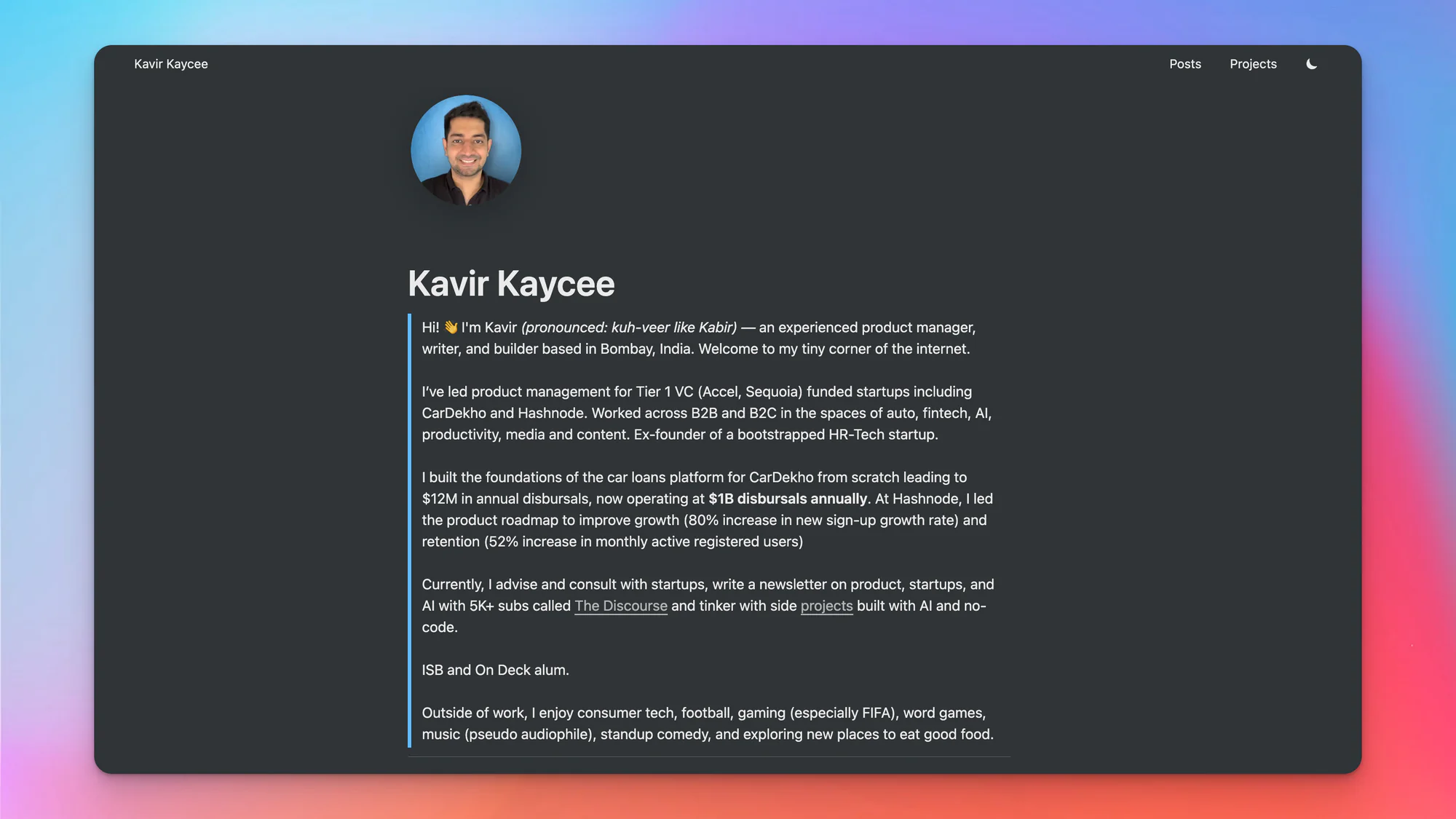
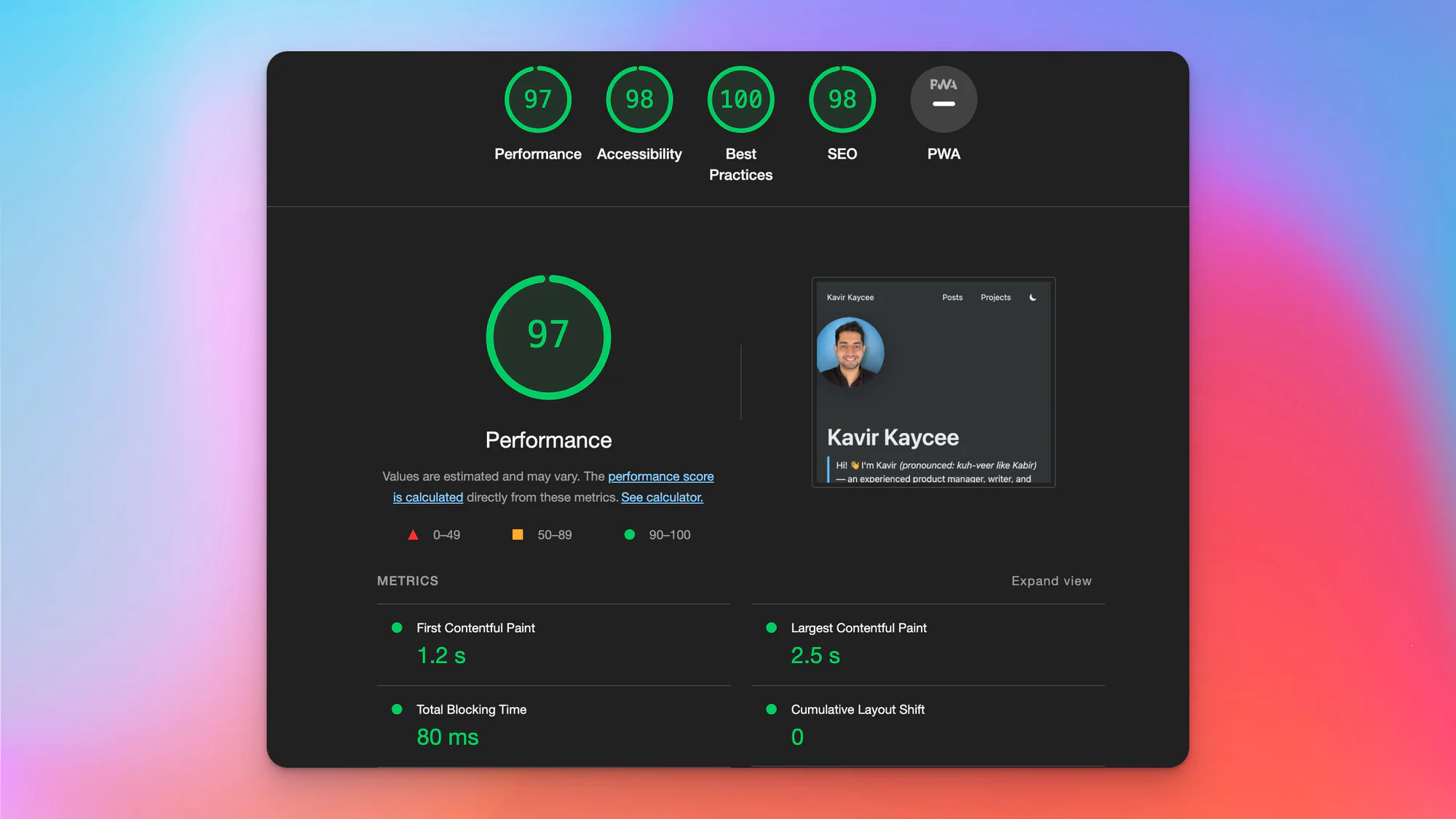
This page documents how kavirkaycee.com was originally built --- using Notion as a content management system and React for the frontend rendering. The site you are reading right now is the evolution of that original project.
The Concept
The idea was simple: use Notion as a CMS to write and manage content, and use React to render it as a fast, beautiful website. Notion provides an incredibly flexible writing experience, and by pairing it with a React frontend, you get the best of both worlds --- easy content management and a polished user experience.
How It Was Built
Notion as a CMS
All content --- blog posts, project pages, notes, and book summaries --- was written and organized in Notion. Notion's database features made it easy to manage metadata like tags, publish dates, and project statuses.
React + react-notion
The frontend was built with React using react-notion, a fast React renderer for Notion pages developed by Splitbee. This library takes Notion's block-based content and renders it as React components, preserving the structure and styling.
For more advanced rendering needs, the project later incorporated react-notion-x, which extends the original library with support for more block types and features.
Deployment
The site was deployed on Vercel, providing fast global delivery and seamless integration with the React frontend.
Portfolio Template
I also created a Notion Portfolio Template on Gumroad to help others build their own portfolio websites using Notion. The template was part of the Showw.Work project, built during MakerPad's 30-day challenge, and served 121 customers with a guided 7-day email course.
What's Next
The site has since been migrated to Next.js with MDX for content, moving away from the Notion API dependency while keeping the spirit of simple, content-first web development.