My Writing Workflow
· 5 min read
Writing is a craft, and like any craft, having a good workflow makes all the difference. Over time, I have developed a process that gives me enough structure to be productive while leaving room for creative exploration. Here is how it works.
Step 1: Idea Capture in Roam
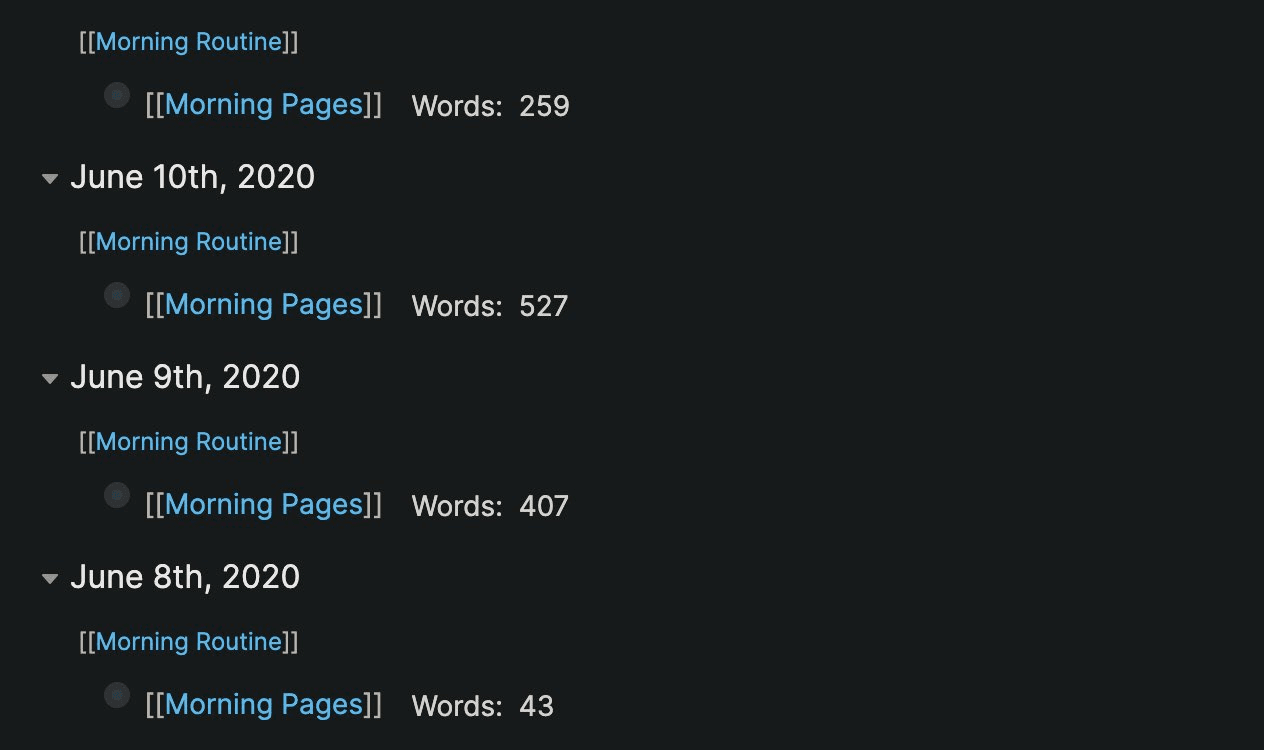
Ideas start in Roam Research. I capture them under "Morning Pages" -- a practice I usually do in the morning but can use any time during the day.
Roam lets me quickly get thoughts down on the daily page with super low friction. There is no pressure to organize or structure anything. Just raw thoughts, observations, and connections. I am still figuring out Roam's prowess to connect different ideas with each other through bidirectional linking, but even as a simple daily journal, it is excellent for idea capture.
Once I know I want to write about a topic in greater detail, it goes into Notion.
Step 2: Organizing in Notion
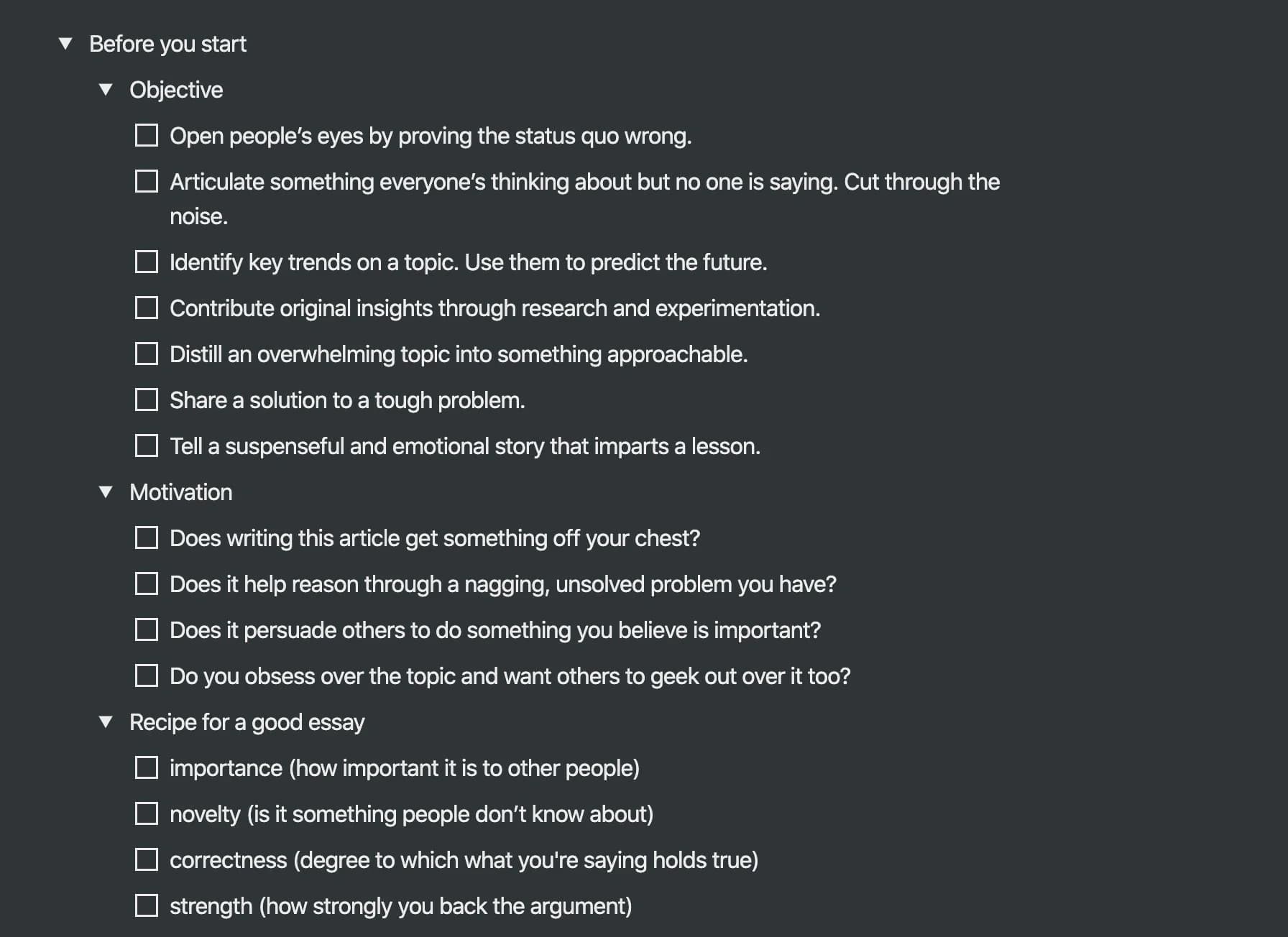
In Notion, ideas go under an Ideas list with a few initial thoughts put down. The Ideas and Drafts list is very long -- I prefer writing on multiple things at the same time. If something feels worth expanding, I move it from Ideas to Drafts.
The Kanban board view in Notion helps visualize the workflow between stages:
- Ideas -- Raw concepts worth exploring
- Drafts -- Started writing, fleshing out the idea
- Actively Writing -- Focused effort, building the piece
- Editing -- Polishing language, flow, and structure
- Published -- Live and shared
There is a satisfying feeling when items move from Editing to Published.
Step 3: Writing the First Draft
I do not start with an outline. I usually put out whatever comes to mind first. My goal at the time of writing the first draft is to just put forth the ideas in front of me. Write X number of words, and once you have enough raw material to work with, you can always cut down to the essentials.
The first draft is messy. That is the point.
Speech-to-Text
If I am too lazy to write, I use speech to text and just talk aloud to get something written. This has a nice side effect -- it also helps the article read like someone is talking to the reader, which makes the writing more conversational and approachable.
Step 4: Creating the Outline
I have come to realize the importance of having an outline for a flow perspective. It does not matter how good the insights are -- if the flow is abrupt, it will not be readable.
So after the first draft is written, I create an outline that fits a narrative structure. The outline defines the ordering and grouping of different ideas together. Some sections get merged. Others get moved. A few get cut entirely.
The second version of the draft is where the article truly comes to life.
Step 5: Editing in Google Docs
Since Grammarly is not integrated into Notion, I usually end up making a lot of grammatical mistakes at the drafting stage. That is fine -- you should first focus on the content and then correct grammar in the editing process.
When editing, I move to Google Docs, which has a far superior collaborative editing workflow. Grammarly works here, and I can share the document with others for feedback if needed.
Editing Philosophy
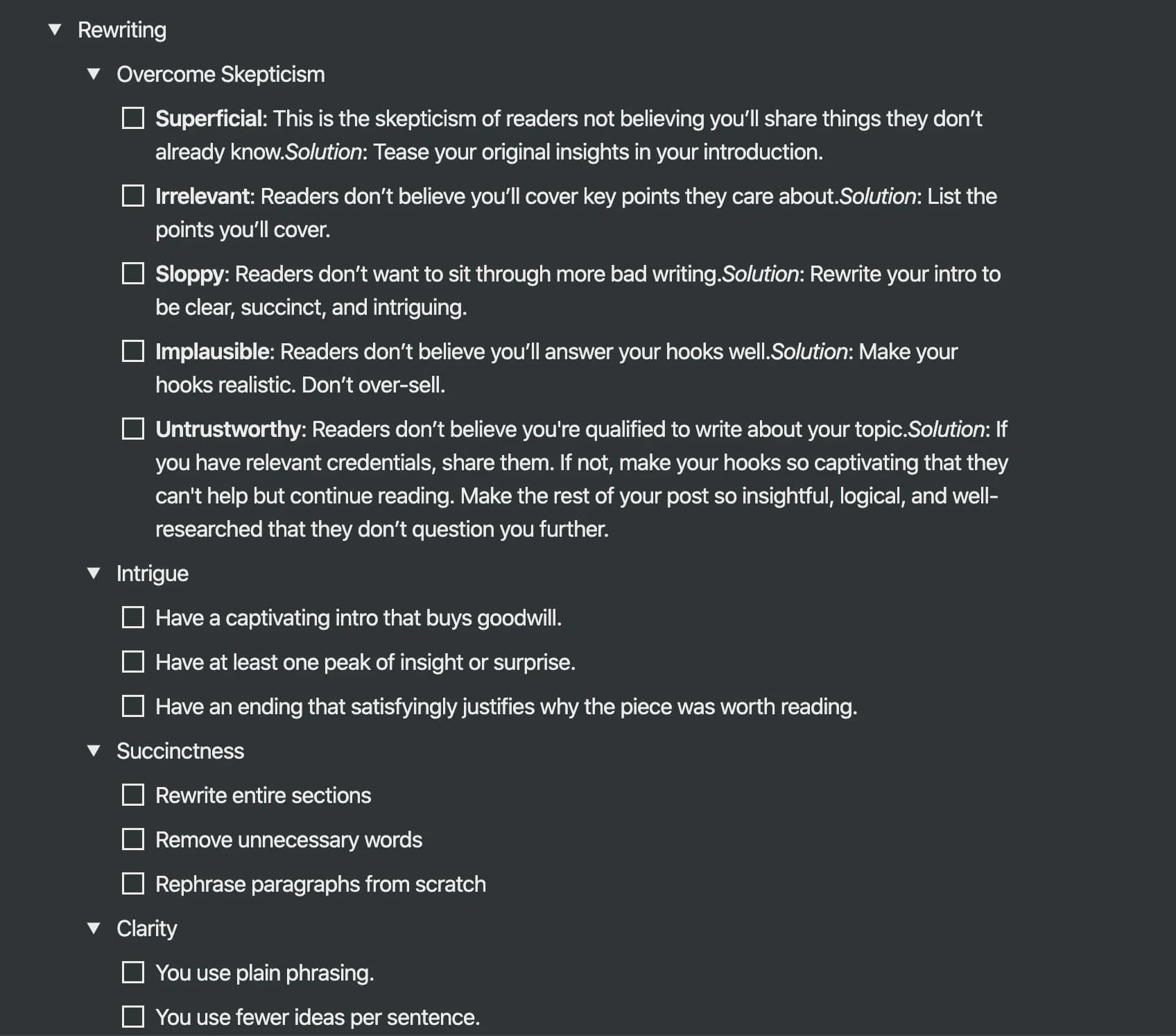
Editing is tougher than writing the first or second drafts. The key principles:
- Remove unnecessary words, phrases, or sentences. If a sentence does not add value, cut it.
- Rephrase and simplify the language. Shorter sentences are almost always better.
- Read it aloud to make sure it flows well. If you stumble while reading, your readers will too.
Step 6: Publishing
I previously sent articles to friends for review before publishing, but that added lag time. Now I publish first and then try to get feedback on the live article. Perfect is the enemy of shipped.
Once the article is ready, I publish it on the platform of choice -- currently Substack for the newsletter and my personal website for evergreen posts.
On Checklists
This workflow gives enough structure to focus creative energies on the actual content. There is a lot of good advice on writing out there, but if it is not persistent and actionable, then it is not that useful.
A checklist makes the advice "in your face." Instead of remembering 20 writing tips, I have a checklist I run through before publishing:
- Does the headline grab attention?
- Is the opening hook strong enough?
- Does the piece flow logically from one section to the next?
- Have I removed unnecessary words?
- Have I read it aloud?
- Is the call to action clear?
Summary
| Stage | Tool | Purpose |
|---|---|---|
| Idea Capture | Roam Research | Low-friction daily journaling and thought capture |
| Organizing | Notion | Kanban board for managing the writing pipeline |
| Drafting | Notion | Writing the messy first draft |
| Outlining | Notion | Structuring the narrative flow |
| Editing | Google Docs | Grammar, clarity, and collaborative feedback |
| Publishing | Substack / Website | Shipping the final piece |
The best writing system is the one you actually use. Start simple, iterate, and find what works for you.
Enjoyed this post?
I write a newsletter on product, AI, and startups called The Discourse with 5K+ subscribers. Deep dives, no fluff.
Subscribe to The Discourse →